Components
Clip reveal
Uncovers an image or section with a wipe as it scrolls into view, the content settling from a slight zoom behind the edge. From any side or as an iris from the middle, once or every time.
pnpm dlx shadcn@latest add @caliper/clip-revealField notes
Scroll the panel: each picture is uncovered as it arrives.
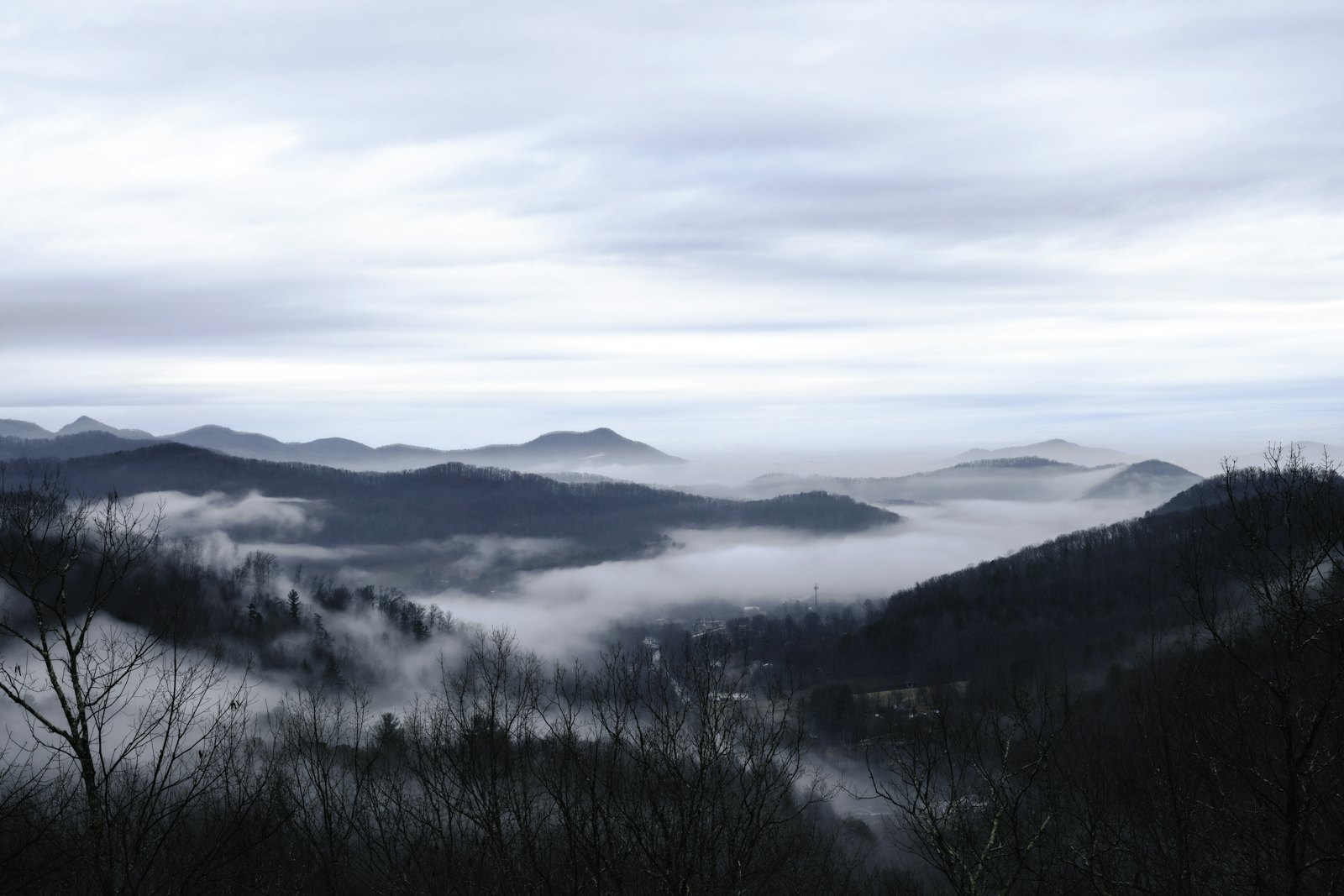
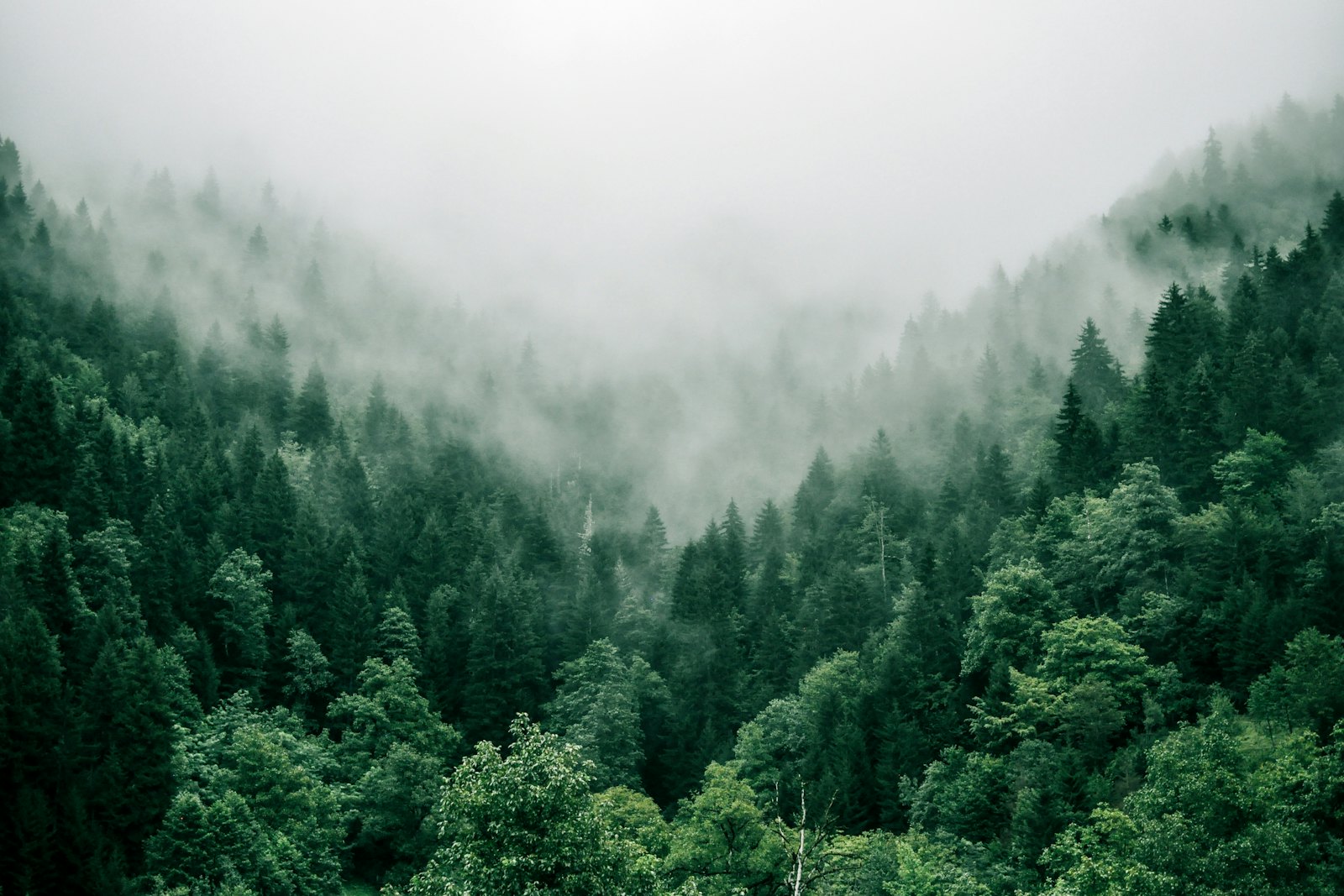
Three places, three times of day. Each picture is uncovered as it scrolls in.

When to use
Use it for
- Photography and case studies on marketing pages, where each picture should arrive.
- Long editorial pages that alternate text and images.
Skip it when
- Product UI and anything people need immediately.
- Content above the fold; it is left alone on purpose.
Decisions
Why it is built this way, so you know what to keep when you change your copy.
Behaviour
- Never hides what you can see
- Only content that starts out of view is hidden, so nothing visible on load flashes away and back.
- Reduced motion
- Everything simply shows.
Styling
- Clip, not layout
- The wipe is a clip path and the zoom a transform, so the page never shifts.
Installation
pnpm dlx shadcn@latest add @caliper/clip-reveal
Adds its 2 files to components/ui/, each with its own stylesheet, and installs their packages. No account needed. The first part also adds Caliper UI’s tokens; import them once as in Installation.
Usage
This is the code behind the preview above.
import { type ReactNode } from "react"
import { ClipReveal } from "@/components/ui/clip-reveal"

function Panel({ title, context, className = "max-w-md", children }: { title: string; context: string; className?: string; children: ReactNode }) {
  return (
    <section className={`grid w-full gap-5 rounded-overlay border border-border bg-background p-6 shadow-resting max-sm:p-4 ${className}`}>
      <div className="grid gap-1">
        <p className="font-medium">{title}</p>
        <p className="text-sm text-muted-foreground">{context}</p>
      </div>
      {children}
    </section>
  );
}

const PHOTOS = [
  { src: "/media/ridge.jpg", alt: "A mountain ridge at first light", from: "bottom" as const, caption: "Ridge, 06:12" },
  { src: "/media/dunes.jpg", alt: "Sand dunes under a pale sky", from: "left" as const, caption: "Dunes, 11:40" },
  { src: "/media/forest.jpg", alt: "Tall pines in mist", from: "iris" as const, caption: "Forest, 17:05" },
];

export function ClipRevealDemo() {
  return (
    <Panel title="Field notes" context="Scroll the panel: each picture is uncovered as it arrives." className="max-w-xl">
      <div className="h-96 overflow-y-auto rounded-surface bg-muted p-4 max-sm:h-80">
        <p className="max-w-sm pb-4 text-sm text-muted-foreground">Three places, three times of day. Each picture is uncovered as it scrolls in.</p>
        <div className="grid gap-10 pb-10">
          {PHOTOS.map((photo) => (
            <figure key={photo.src} className="grid gap-2">
              <ClipReveal from={photo.from} repeat className="aspect-[4/3] rounded-surface">
                <img src={photo.src} alt={photo.alt} className="size-full object-cover" />
              </ClipReveal>
              <figcaption className="font-mono text-xs text-muted-foreground">{photo.caption}</figcaption>
            </figure>
          ))}
        </div>
      </div>
    </Panel>
  );
}
API reference
ClipReveal
component
Also accepts the native props of its root element and a ref.
Accessibility
It is built on native elements, so roles and focus come from the browser.
No custom key handling; Tab and the native activation keys do the work.
Motion
It checks prefers-reduced-motion itself and settles immediately instead of travelling. Every state is still reachable.
Related
- StaggerChildren of a group arrive one after another on mount or when scrolled into view, so a new list reads in order.
- Blur imageAn image that sharpens into place over a blurred placeholder at its final size, and shows its description if it fails.
- Pixel revealSwaps content behind a wave of square tiles: they cover the old view corner to corner, the content changes while hidden, and the tiles clear the same way. Change the key to run it; the whole wave is about half a second.