Pro
Expanding panels
A row of panels where one is open and the rest are narrow spines. Hover, focus or a tap opens one: it widens on a long ease and its words fade in after the width has mostly arrived, so text never reflows on screen.
pnpm dlx shadcn@latest add @caliper/expanding-panelsWhere teams use Halden
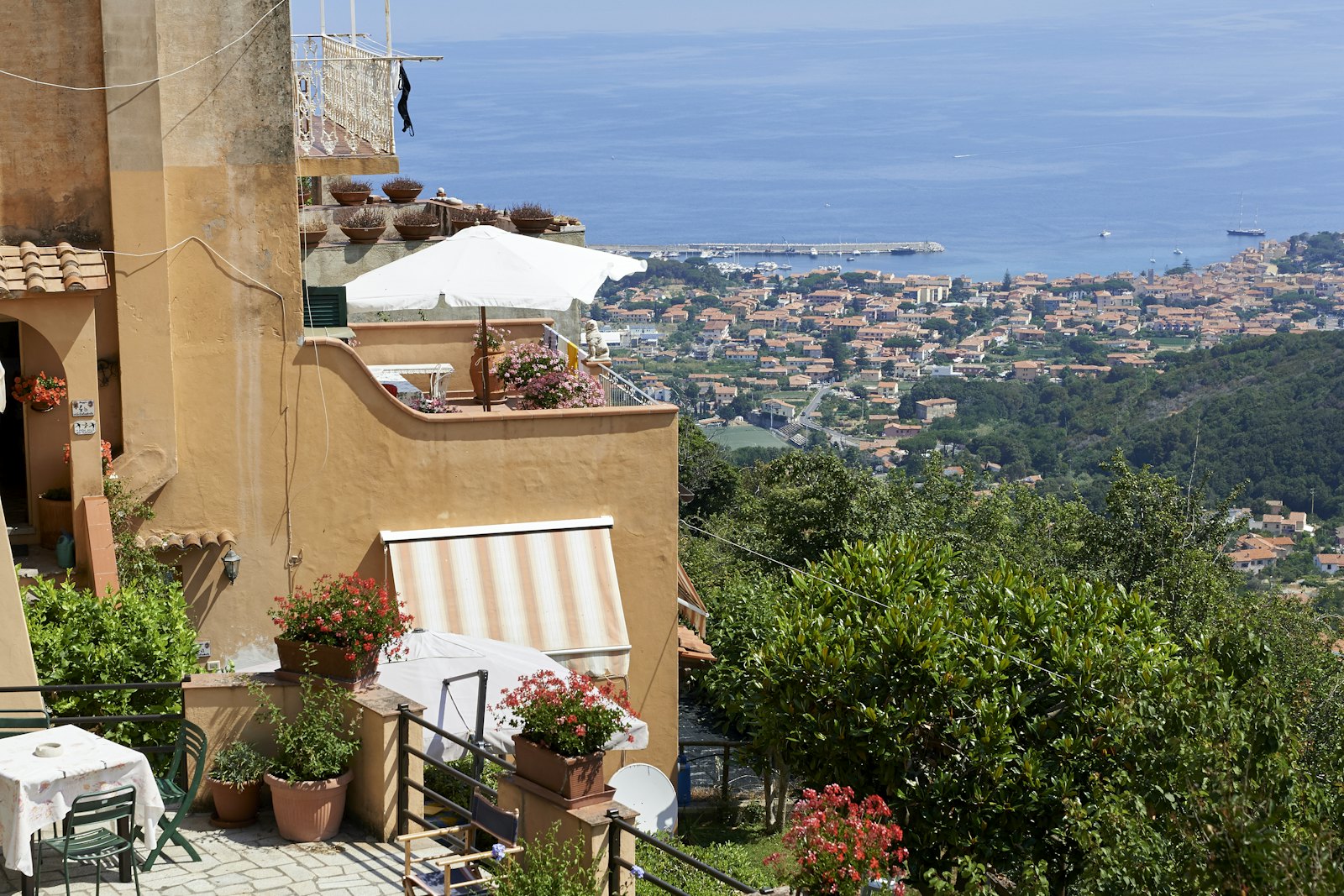
Four customers, four kinds of work. Hover or tap to open one.



When to use
Use it for
- Three to six features, plans or stories that each deserve a picture.
- A landing section that should reward exploring.
Skip it when
- Content people must compare side by side; use a grid.
- More than six; the spines get too thin to name.
Decisions
Why it is built this way, so you know what to keep when you change your copy.
Behaviour
- Hover is mouse only
- Pointer hover opens a panel only for a mouse. On touch a tap opens it, so scrolling past never flips panels.
- A column on phones
- Below 640px the row becomes a column and panels open in height, keeping titles readable.
Styling
- Text is laid out at full width
- The open panel's words have a minimum width and are clipped while the panel grows, so lines never rewrap mid-motion.
Installation
pnpm dlx shadcn@latest add @caliper/expanding-panels
Adds its 2 files to components/ui/, each with its own stylesheet, and installs their packages. Pro installs with your access token, set up once per project. See Pro access. The first part also adds Caliper UI’s tokens; import them once as in Installation.
Usage
Import it from your copy of the source. The example behind the preview comes with the source.
import { ExpandingPanels } from "@/components/ui/expanding-panels"
The worked example comes with Pro
The 32-line example behind the preview opens here, ready to copy.
- 576 Pro parts, blocks and page templates, all with source
- $199 once, with a year of updates. What you have stays yours
- A full refund within 14 days if it is not for you
API reference
ExpandingPanels
component
Accessibility
It exposes group semantics, with aria-label, aria-hidden, aria-expanded and aria-controls kept in step with state.
Motion
It declares no animation in its component source. Any transition comes from its stylesheet, which uses the duration tokens that collapse to instant under prefers-reduced-motion.