Pro
Photo pile
Photos dropped in a loose pile that spreads into a grid. Each photo travels from the pile to its cell, straightening as it goes, and gathers back the same way. The pile shows the top three and a count.
pnpm dlx shadcn@latest add @caliper/photo-pileSite visit, 14 October
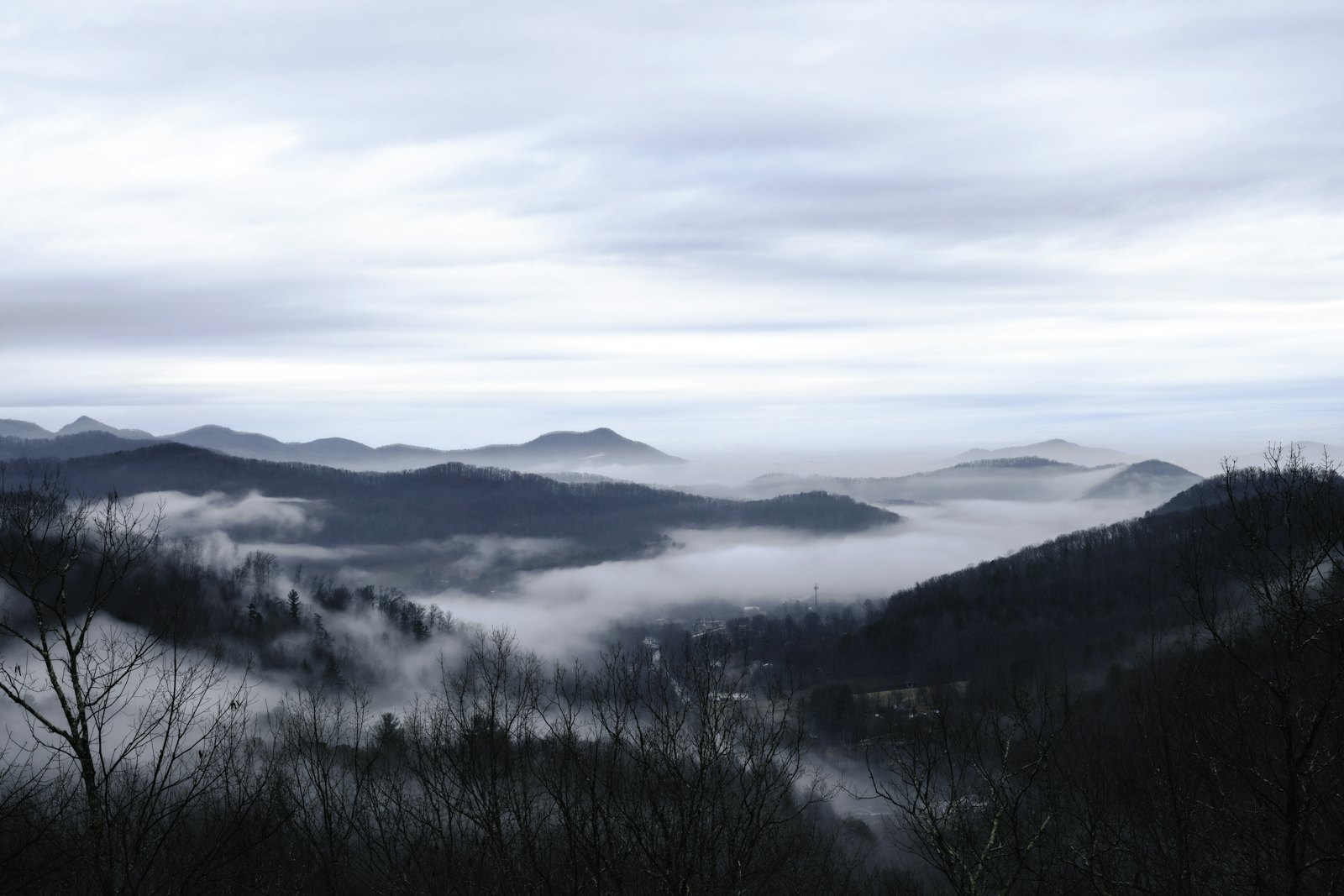
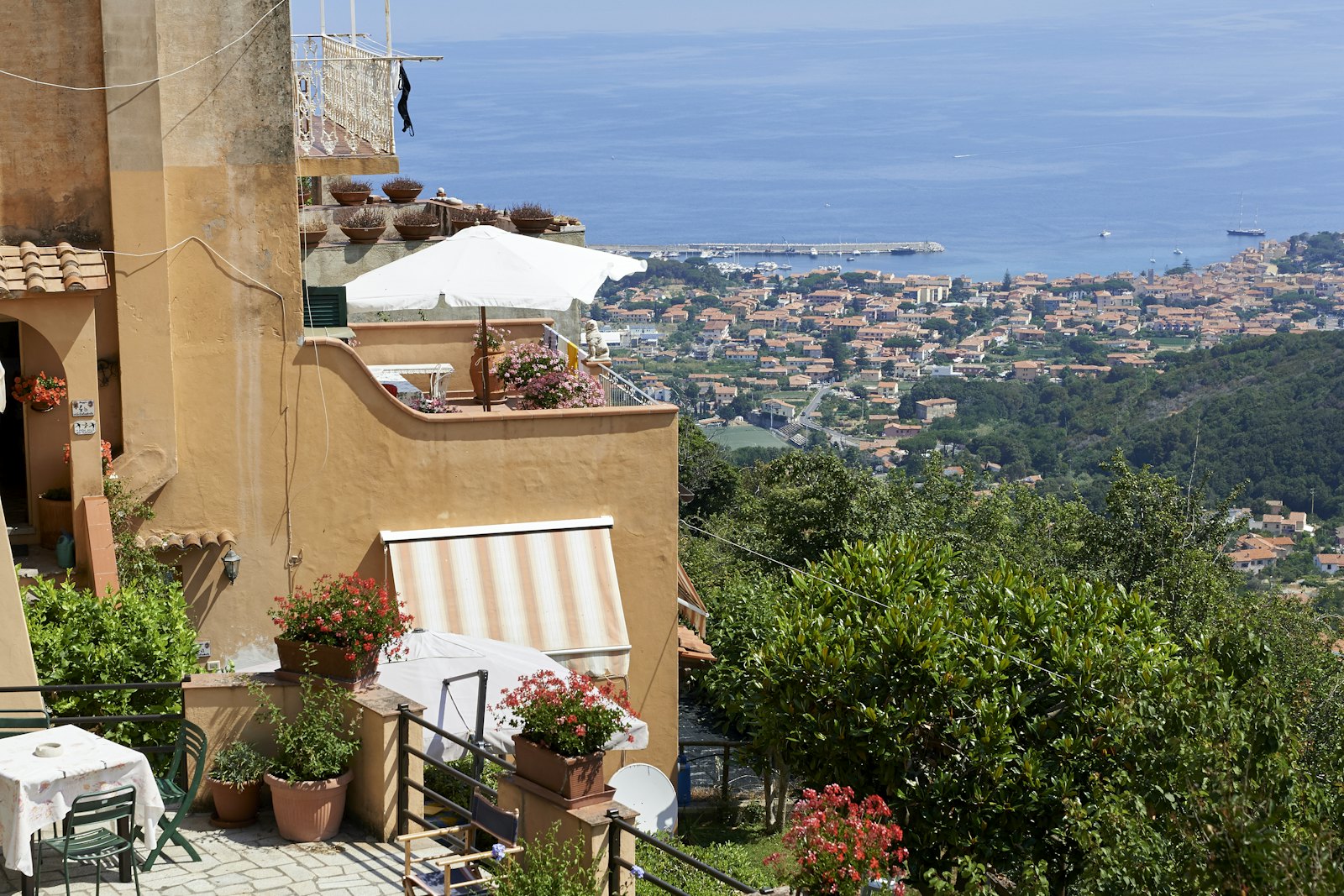
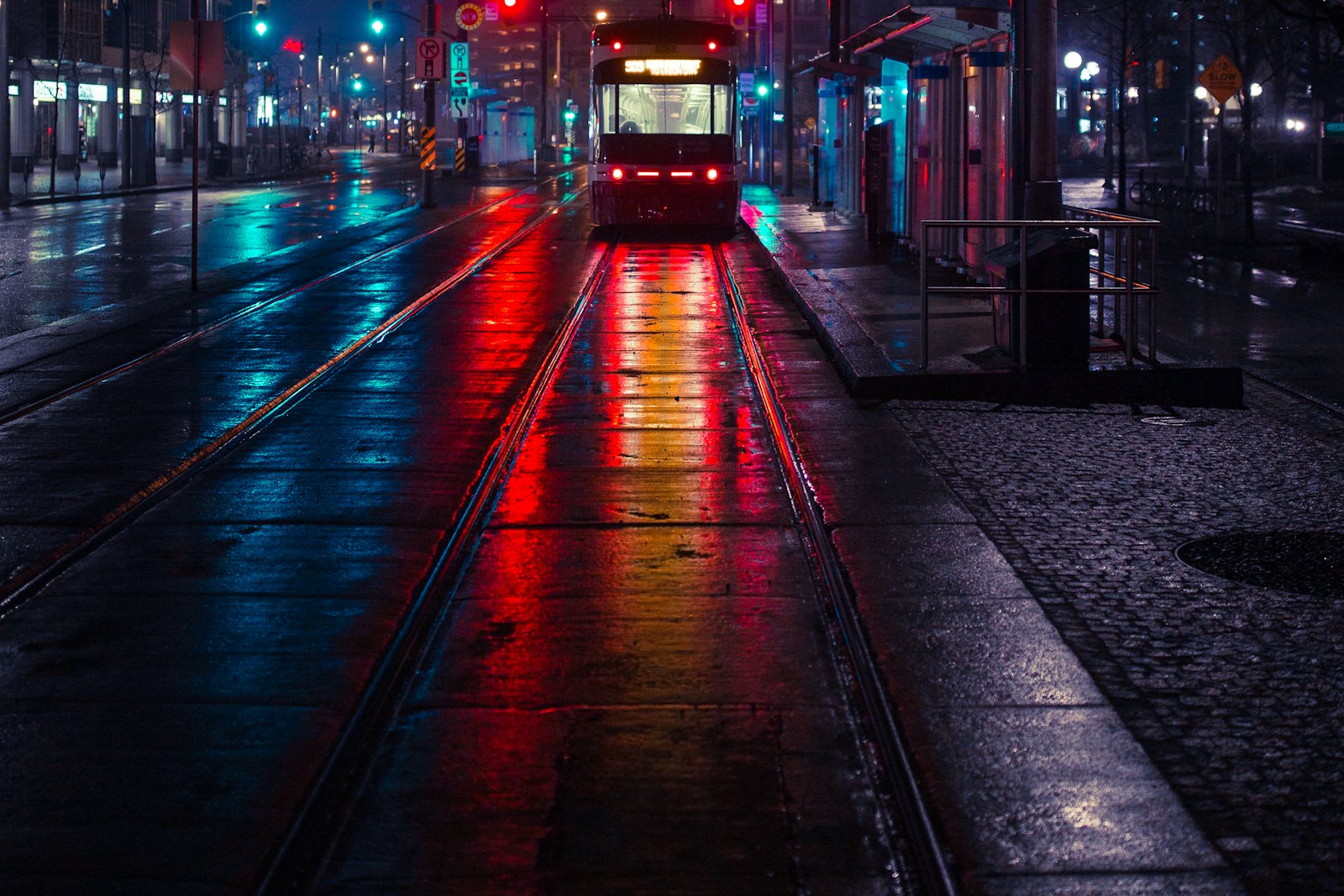
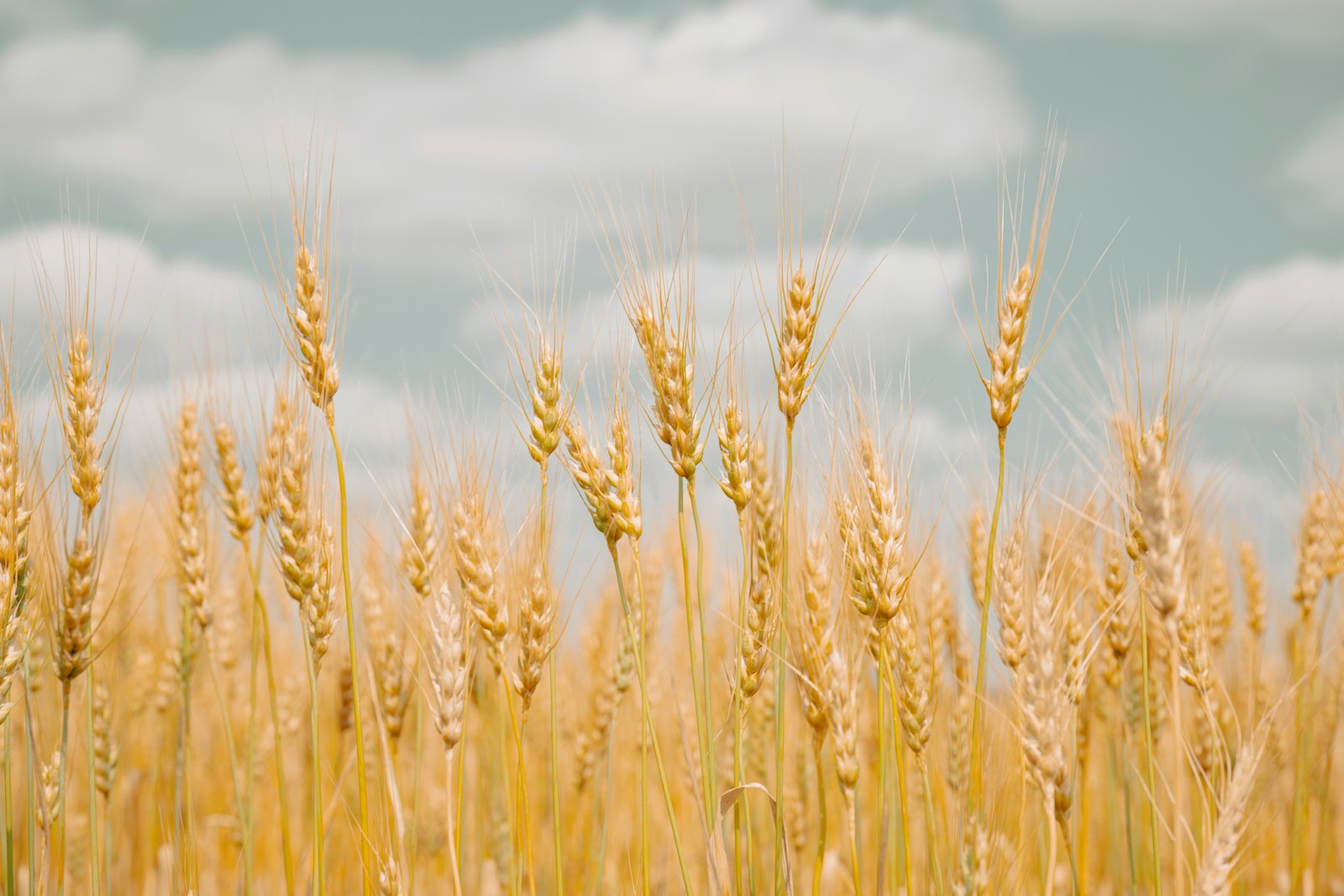
Seven photos attached by Kofi Mensah to the survey record.



When to use
Use it for
- Attachments, albums and uploads in a message or a record.
- Showing that there is more without taking the space.
Skip it when
- Browsing many photos; use the photo grid or the image viewer.
- Documents, where a lean looks careless.
Decisions
Why it is built this way, so you know what to keep when you change your copy.
Behaviour
- Photos move, they don't reappear
- Positions are measured before and after and each photo is moved by FLIP, so you can follow one from the pile to its cell.
Styling
- Same size in both states
- Photos keep their size so the motion is only a move and a turn, never a stretch.
Installation
pnpm dlx shadcn@latest add @caliper/photo-pile
Adds its 5 files to components/ui/, each with its own stylesheet, and installs their packages. Pro installs with your access token, set up once per project. See Pro access. The first part also adds Caliper UI’s tokens; import them once as in Installation.
Usage
Import it from your copy of the source. The example behind the preview comes with the source.
import { PhotoPile } from "@/components/ui/photo-pile"
The worked example comes with Pro
The 24-line example behind the preview opens here, ready to copy.
- 576 Pro parts, blocks and page templates, all with source
- $199 once, with a year of updates. What you have stays yours
- A full refund within 14 days if it is not for you
API reference
PhotoPile
component
Accessibility
It is built on native elements and keeps aria-label, aria-expanded and aria-hidden in step with state.
No custom key handling; Tab and the native activation keys do the work.
Motion
It declares no animation in its component source. Any transition comes from its stylesheet, which uses the duration tokens that collapse to instant under prefers-reduced-motion.