Pro
Infinite canvas
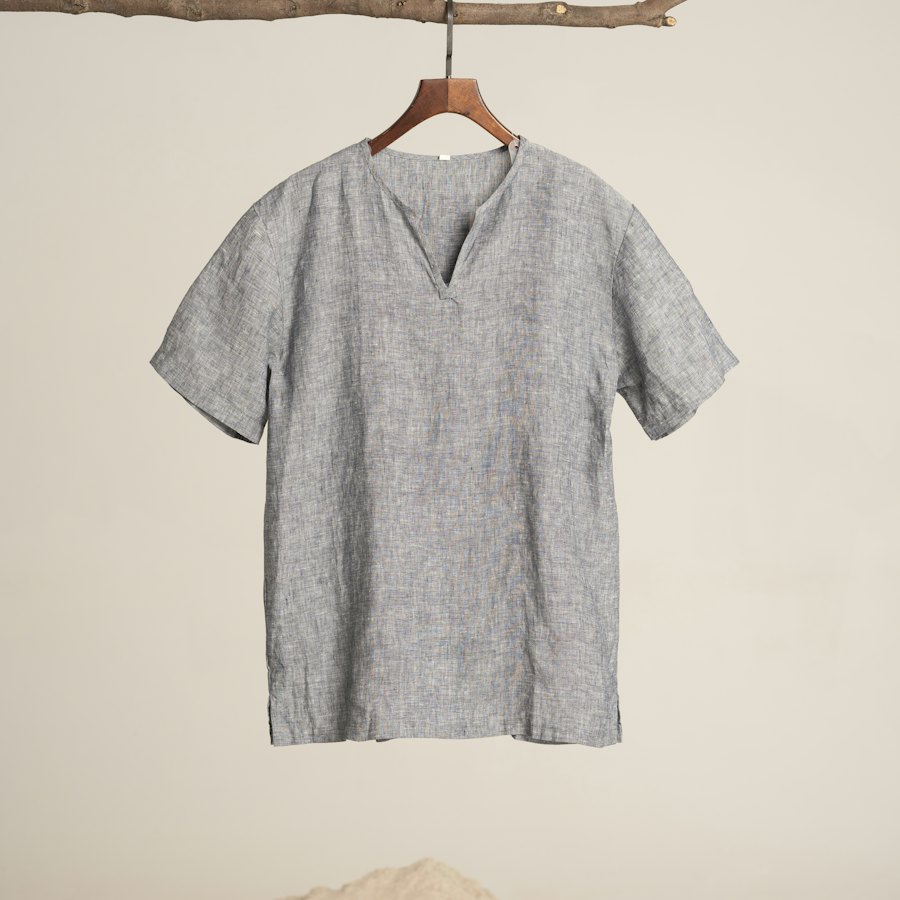
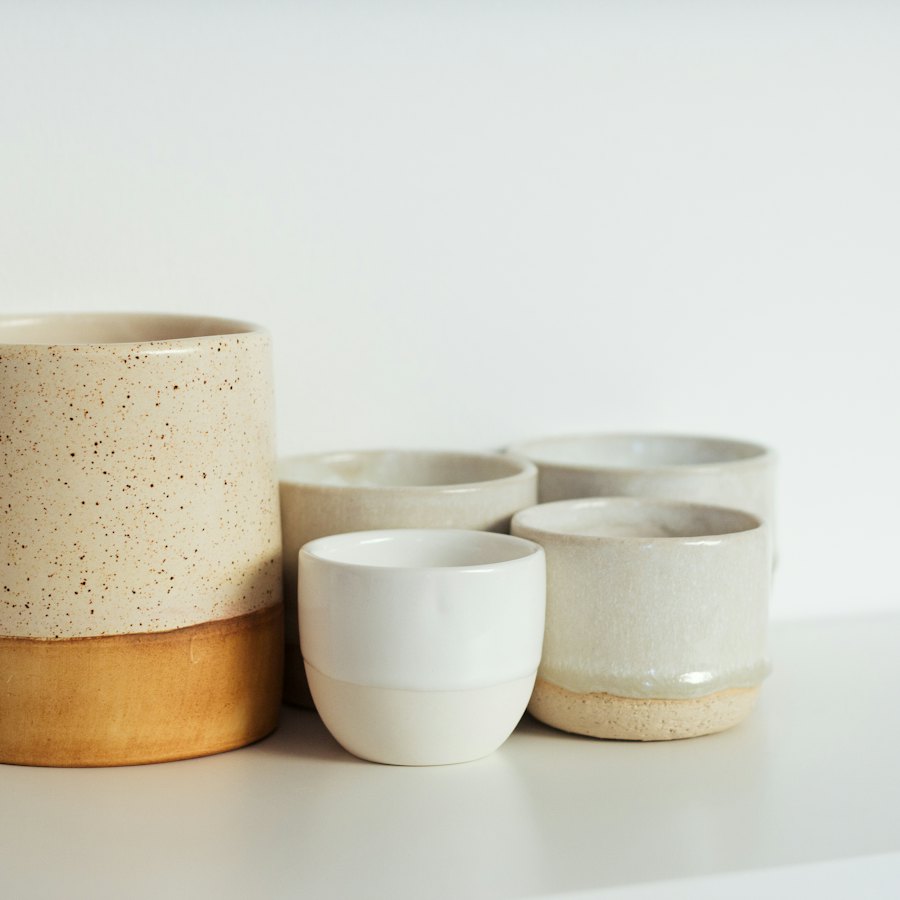
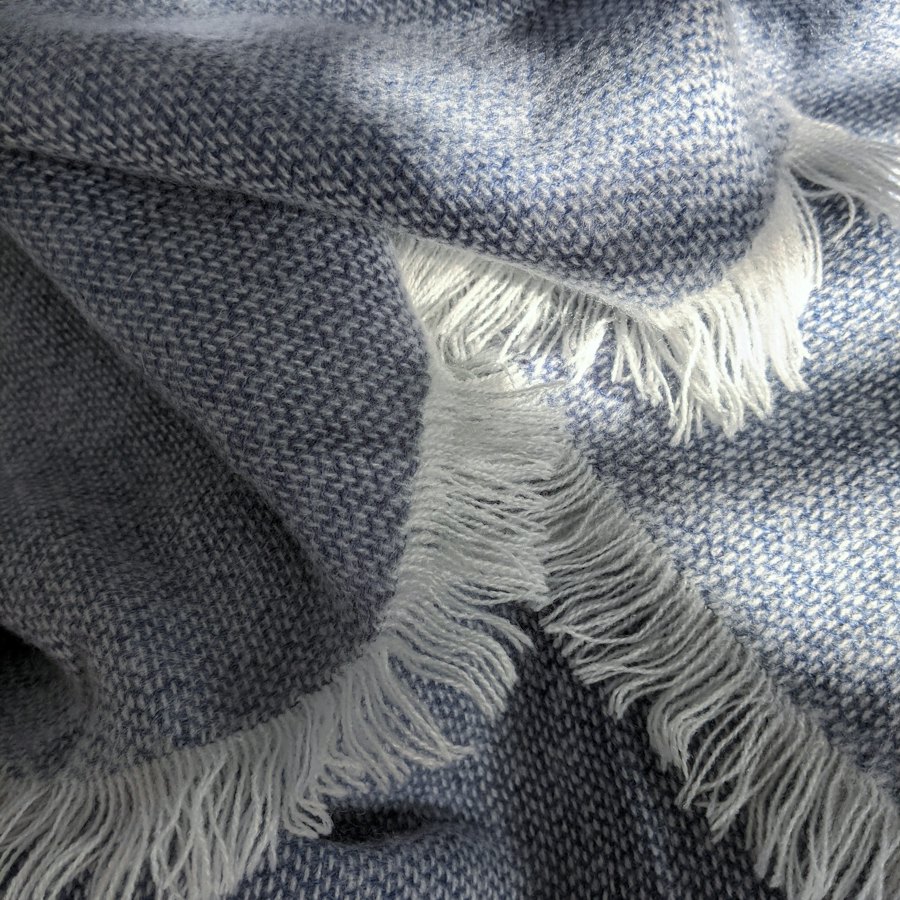
A board of cards that goes on in every direction. Drag anywhere and let go to glide; cards draw back a little while it moves and settle when it stops. Every second column sits half a card lower, so it reads as a wall.
pnpm dlx shadcn@latest add @caliper/infinite-canvas





When to use
Use it for
- Collections, moodboards, portfolios and lookbooks people browse rather than search.
- A playful index of everything in a product.
Skip it when
- Lists people need to scan in order or filter; use a grid.
- Pages where people scroll on phones through it; the board takes the drag.
Decisions
Why it is built this way, so you know what to keep when you change your copy.
Behaviour
- Clicks still work
- The board only captures the pointer once it is clearly a drag, and a drag that ends over a link does not follow it.
- Each card once
- The repeats that fill the screen click like the original but are skipped by Tab and assistive technology; Tab walks the real cards and glides each into the middle. Arrow keys glide by a card.
- Clipped, not scrolled
- The board clips its overflow instead of hiding it, so focusing a card can never scroll the board out from under its own layout.
Installation
pnpm dlx shadcn@latest add @caliper/infinite-canvas
Adds its 2 files to components/ui/, each with its own stylesheet, and installs their packages. Pro installs with your access token, set up once per project. See Pro access. The first part also adds Caliper UI’s tokens; import them once as in Installation.
Usage
Import it from your copy of the source. The example behind the preview comes with the source.
import { InfiniteCanvas } from "@/components/ui/infinite-canvas"
The worked example comes with Pro
The 35-line example behind the preview opens here, ready to copy.
- 576 Pro parts, blocks and page templates, all with source
- $199 once, with a year of updates. What you have stays yours
- A full refund within 14 days if it is not for you
API reference
InfiniteCanvas
component
Also accepts the native props of its root element and a ref.
Accessibility
It exposes region semantics, with aria-label, aria-roledescription and aria-hidden kept in step with state.
No custom key handling; Tab and the native activation keys do the work.
Motion
It checks prefers-reduced-motion itself and settles immediately instead of travelling. Every state is still reachable.
Related
- Infinite masonryA masonry grid that loads more as you scroll.
- Photo pilePhotos dropped in a loose pile that spreads into a grid. Each photo travels from the pile to its cell, straightening as it goes, and gathers back the same way. The pile shows the top three and a count.
- Product galleryA main image with thumbnails for a product.