Pro
Progressive blur
A blur that deepens toward one edge, for captions over photos and the ends of a scrolling media row. Stacked layers each blur twice as much as the last and are masked to their own band, so the frost rises smoothly instead of stopping at a line.
pnpm dlx shadcn@latest add @caliper/progressive-blurField trip, autumn
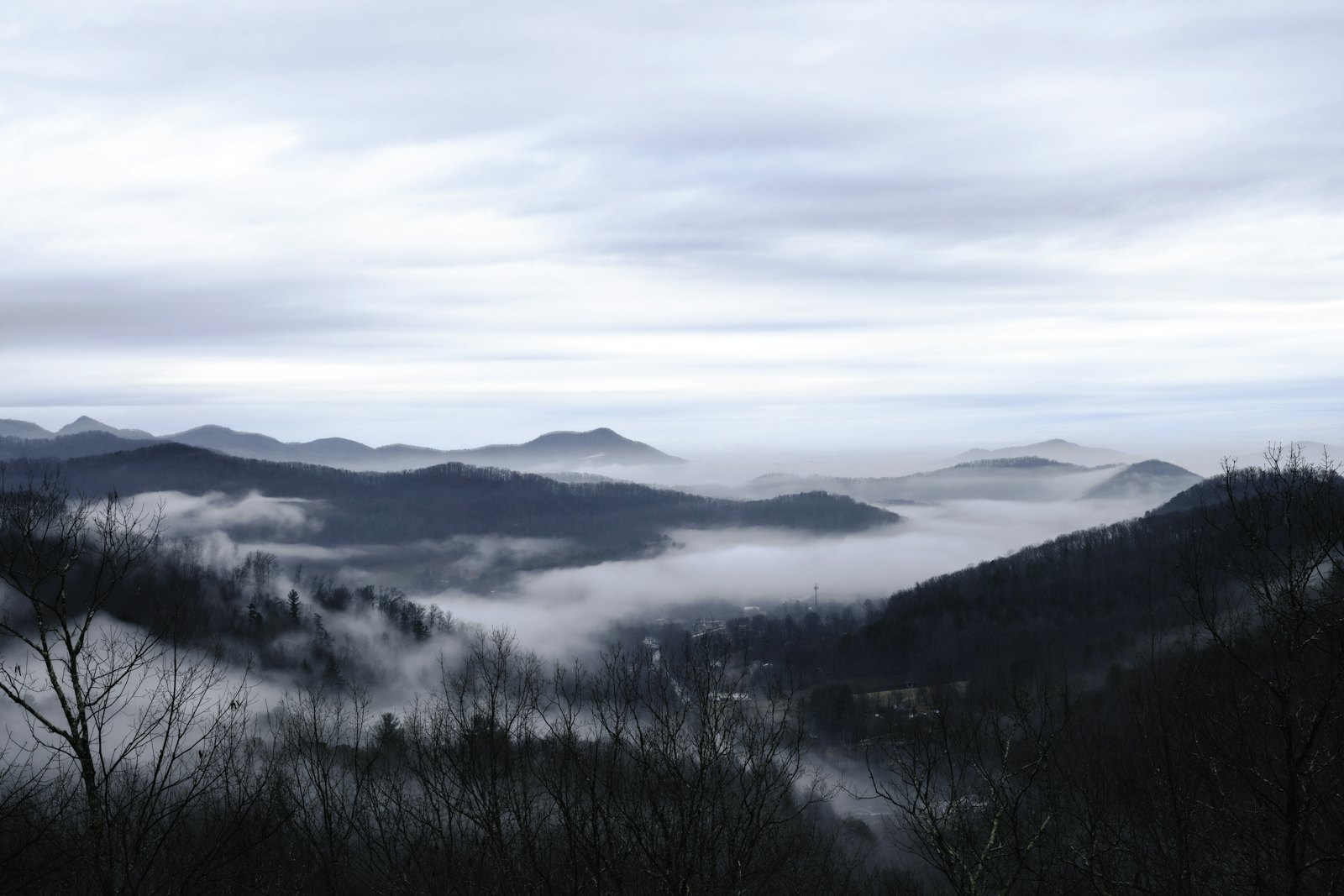
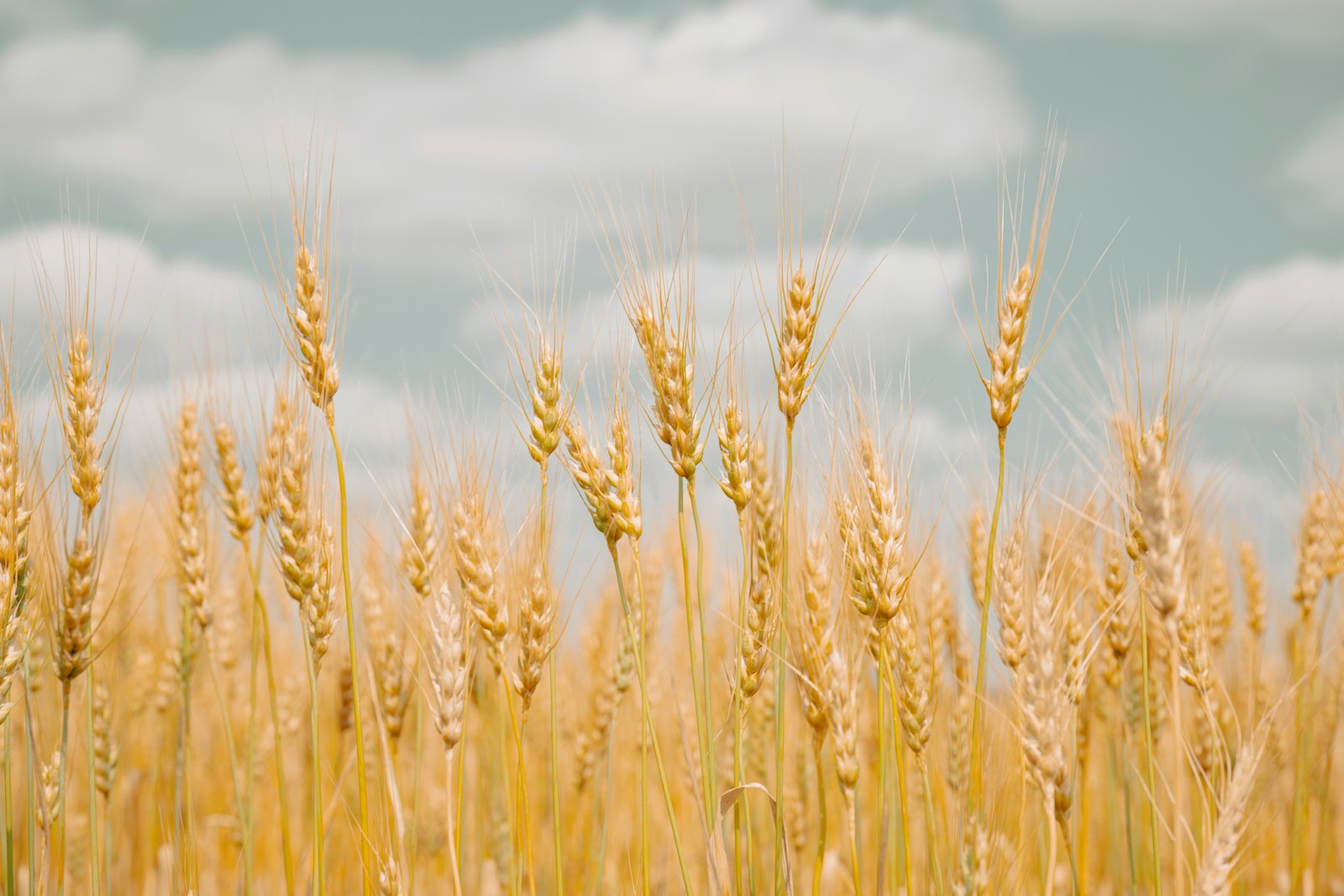
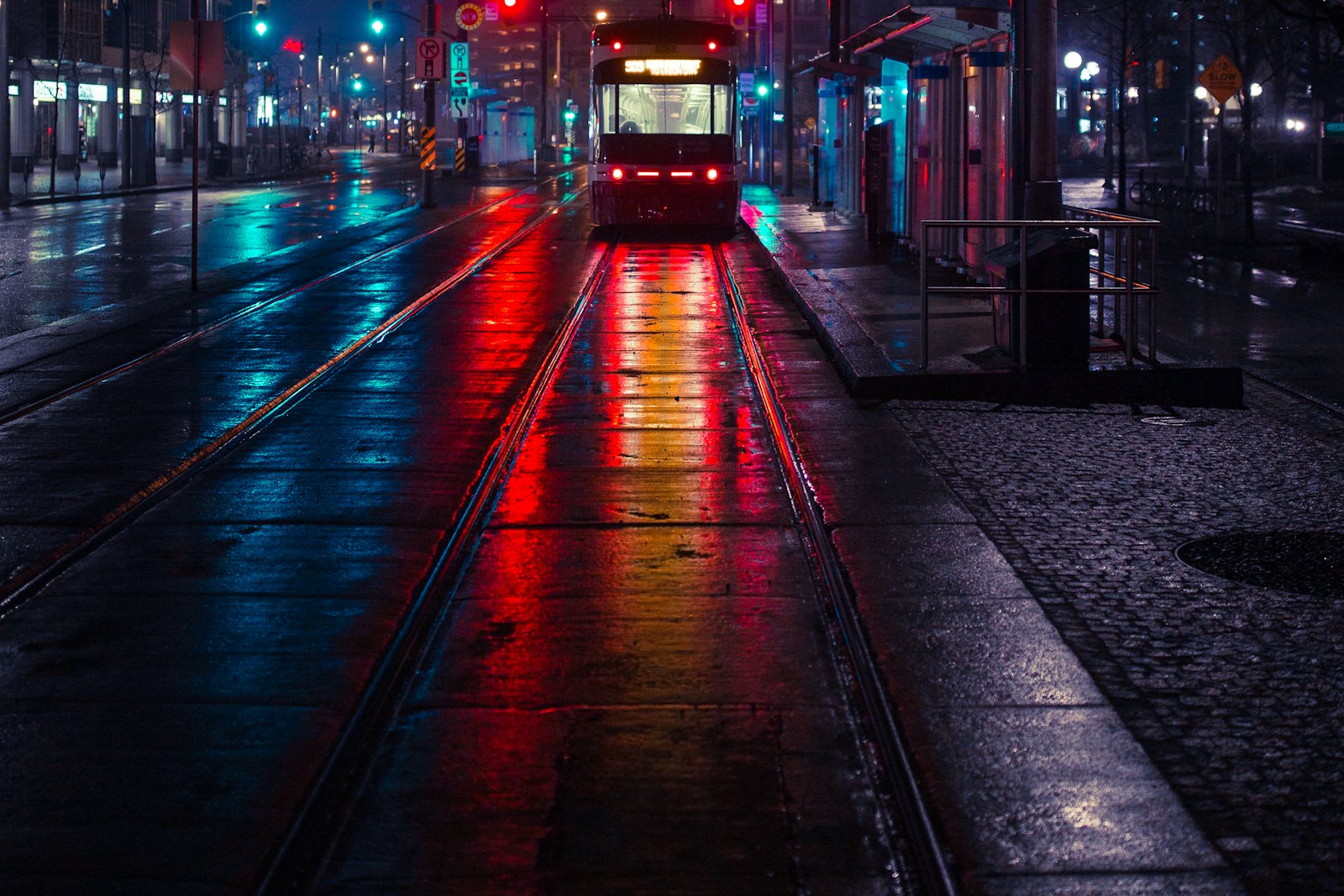
12 photos · shared with Design
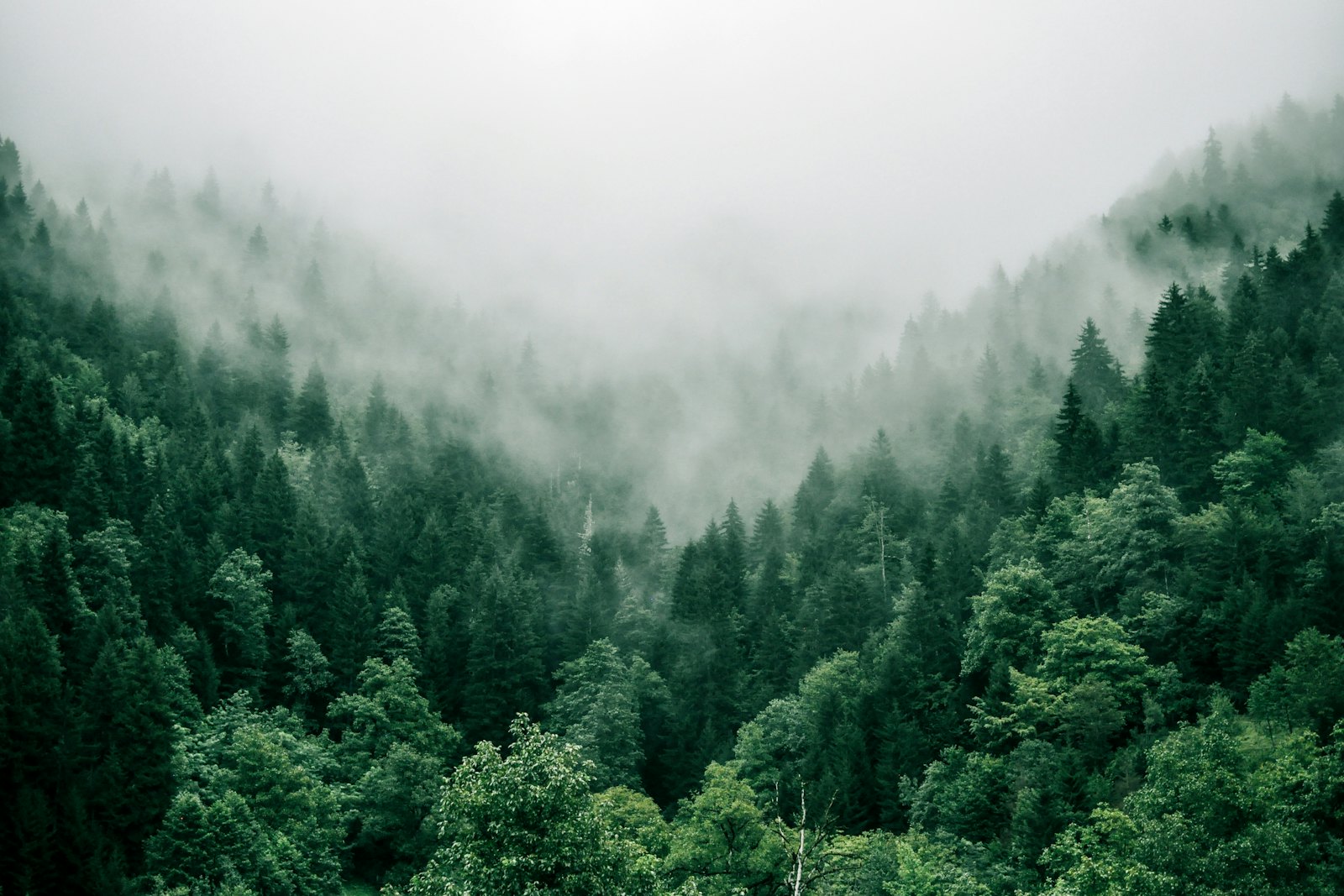
Above the tree line
Aiko Tanaka · 14 Oct


When to use
Use it for
- A caption or control laid over a photo or video.
- The ends of a horizontal row of media, to show there is more.
Skip it when
- Text people read through, tables and rows; the blur costs legibility.
- Large areas on low-end devices; each layer is a backdrop filter.
Decisions
Why it is built this way, so you know what to keep when you change your copy.
Styling
- Doubling layers
- Five layers from 1px to 16px read as one continuous ramp; fewer layers show bands.
Usage
- Silent
- It ignores the pointer and is hidden from assistive technology; it only changes how things look.
Installation
pnpm dlx shadcn@latest add @caliper/progressive-blur
Adds its 2 files to components/ui/, each with its own stylesheet, and installs their packages. Pro installs with your access token, set up once per project. See Pro access. The first part also adds Caliper UI’s tokens; import them once as in Installation.
Usage
Import it from your copy of the source. The example behind the preview comes with the source.
import { ProgressiveBlur } from "@/components/ui/progressive-blur"
The worked example comes with Pro
The 43-line example behind the preview opens here, ready to copy.
- 576 Pro parts, blocks and page templates, all with source
- $199 once, with a year of updates. What you have stays yours
- A full refund within 14 days if it is not for you
API reference
ProgressiveBlur
component
Accessibility
It is built on native elements, so roles and focus come from the browser.
No custom key handling; Tab and the native activation keys do the work.
Motion
It declares no animation in its component source. Any transition comes from its stylesheet, which uses the duration tokens that collapse to instant under prefers-reduced-motion.