Pro
Cart flight
A product row whose Add buttons send a copy of the product photo arcing into the cart button, which takes it with a bump while the count rolls up. The flight shows cause and effect at a distance.
pnpm dlx shadcn@latest add @caliper/cart-flightNew this week
Add something; it flies to the cart.
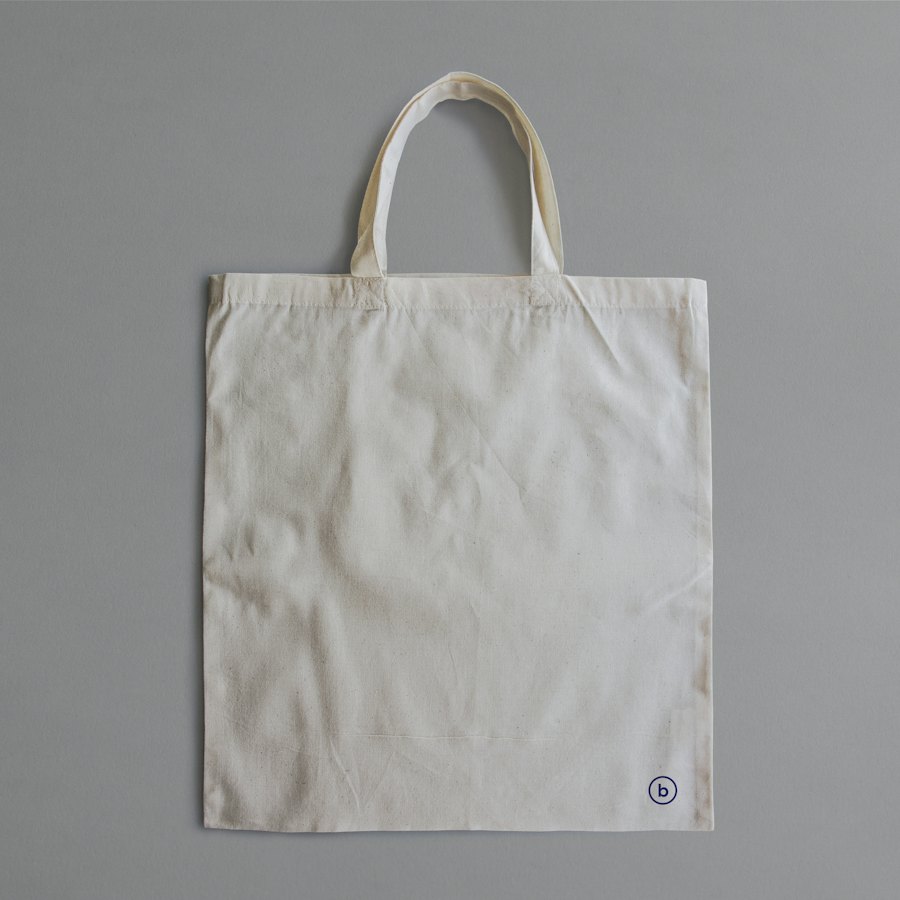 Canvas tote$48
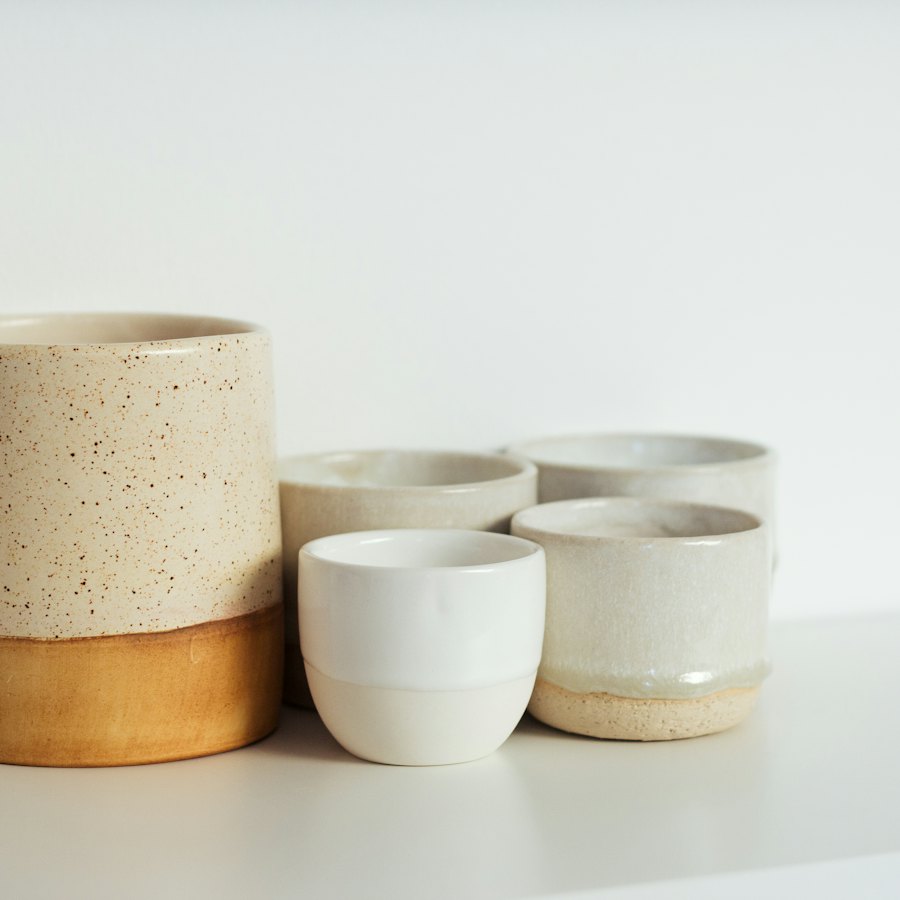 Ceramic mug set$36
 Merino beanie$42
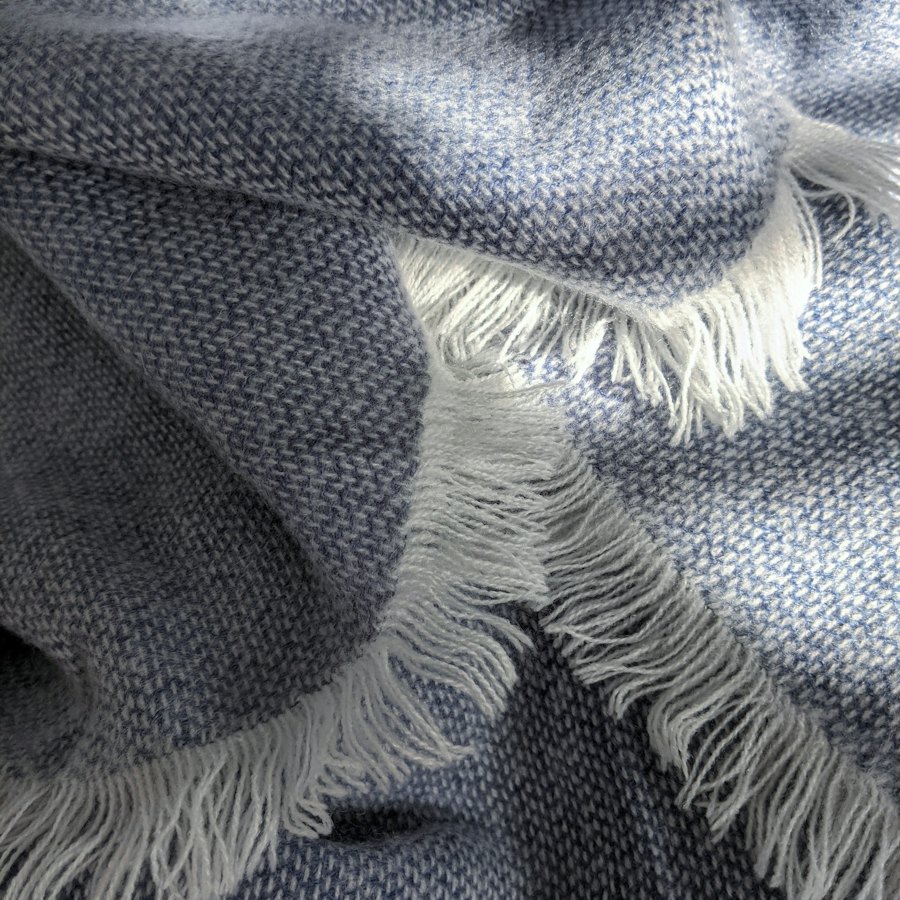 Wool throw$120
When to use
Use it for
- Shops and catalogues where the cart is not next to the product.
- Any add-to-collection action: saving to a board, adding to a playlist.
Skip it when
- Rapid bulk adding; send many items with one summary instead.
- Checkout pages, where the cart is already in view.
Decisions
Why it is built this way, so you know what to keep when you change your copy.
Behaviour
- An arc to the cart
- The copy follows a curve that rises above both ends and shrinks as it goes, so it reads as thrown into the cart.
- The cart answers
- The count changes when the photo lands, not when the button is pressed, so the two moments connect.
Usage
- Announced
- Each add is announced with the new count; the flight is decoration over that.
Installation
pnpm dlx shadcn@latest add @caliper/cart-flight
Adds its 2 files to components/ui/, each with its own stylesheet, and installs their packages. Pro installs with your access token, set up once per project. See Pro access. The first part also adds Caliper UI’s tokens; import them once as in Installation.
Usage
Import it from your copy of the source. The example behind the preview comes with the source. It is built from CartFlight and arcPoints.
import { CartFlight, arcPoints } from "@/components/ui/cart-flight"
The worked example comes with Pro
The 30-line example behind the preview opens here, ready to copy.
- 602 Pro parts, blocks and page templates, all with source
- $199 once, with a year of updates. What you have stays yours
- A full refund within 14 days if it is not for you
API reference
CartFlight
component
Also accepts the native props of its root element and a ref.
arcPoints
component
Accessibility
It is built on native elements and keeps aria-label, aria-hidden and aria-live in step with state. Changes that matter are announced through a live region.
No custom key handling; Tab and the native activation keys do the work.
Motion
It checks prefers-reduced-motion itself and settles immediately instead of travelling. Every state is still reachable.
Related
- Cart drawerA side drawer listing cart lines with quantities and a subtotal.
- Product listingA filterable grid of products with sort and a result count.
- Quantity pillAdd to an order in one press. Add opens sideways into a − count + pill, the count rolls as it changes, and the minus turns into a bin at one. Focus moves to plus after adding and back to Add after the last one is removed.